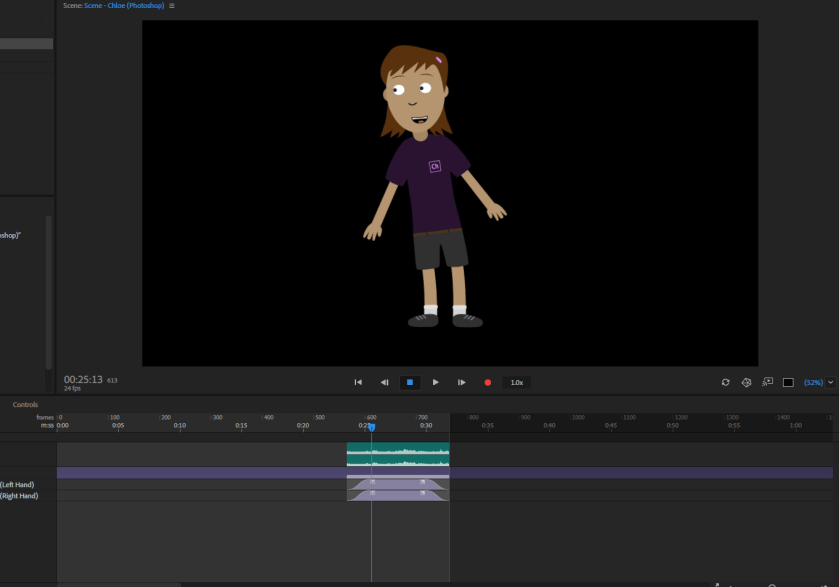
 In this tutorial video I learned how to make “replays”
First, they showed you how to make the elbows of the arms move more naturally so that when you move them, they don’t look double jointed. In order to do that, there were points that you had to move to the elbow the wrist and the upper part of the arm. Then you can set the arms where you’d like using your mouse then you press the red record button.
I also learned how to make a short replay of the character waving and dancing. To not make the replay choppy and make it run smoothly I decreased the beginning and the end of the snippet to make the actions more slowly towards the beginning and end to make it flow smoother. Then to save as a trigger replay you select everything and left click and click create replay and trigger and then you have that short replay saved.
 Juicymars' Blog