
Body Motion

Photoshop to edit
For the first few lessons in this video I learned how to make my features on my blank face independent. In this case you want your eyebrows and pupil to be independent so when you move it, it doesn’t actually wrap your characters whole face. You can edit your character in Photoshop and add anything you’d like.
In the last couple lessons in this video I learned about the movement of the body. To make the arm move normally I learned where to locate draggers, pins, and lines/sticks. I also learned how to ground my character. You also must not make your head/face independent because it will move on it’s own instead of with the body itself.
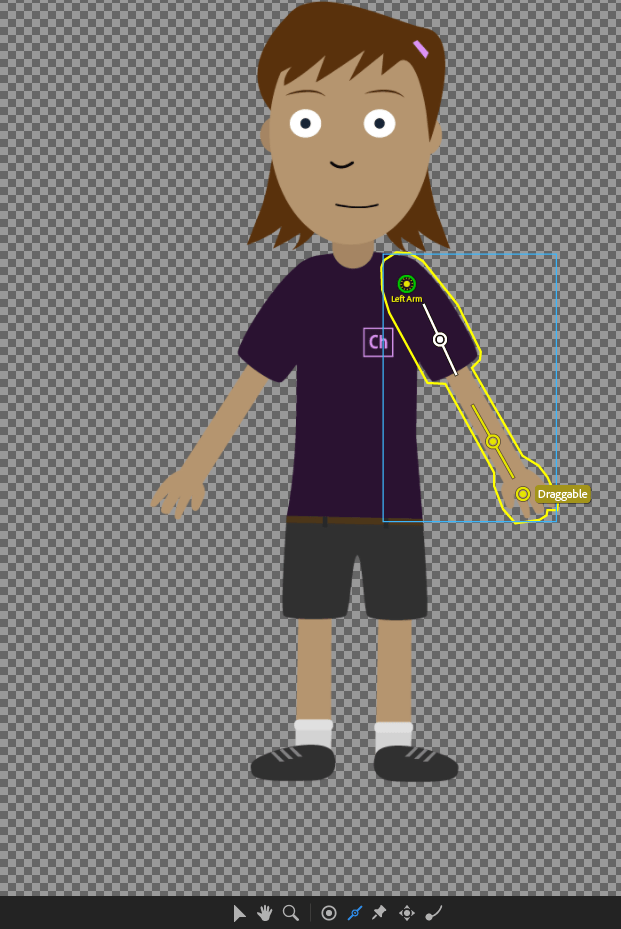
Body Motion
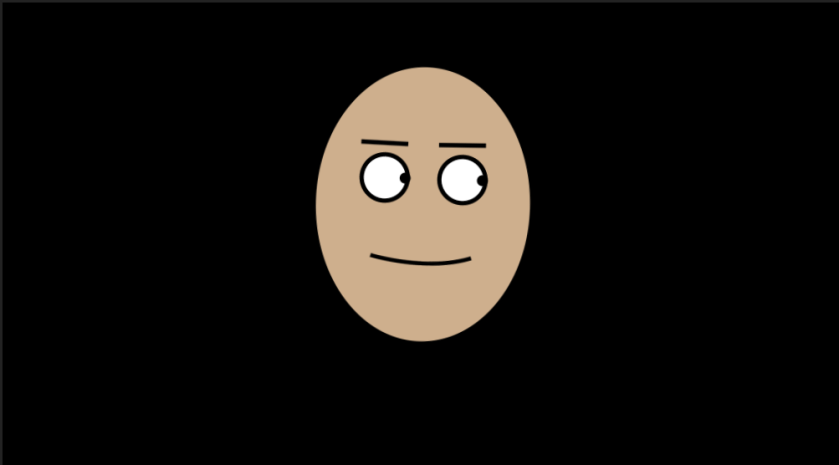
Photoshop to edit
 Juicymars' Blog